
سرجمیں
Web Solution Smart Contact Button adds a stylish floating contact widget to your WordPress site,
allowing visitors to reach you instantly
Features
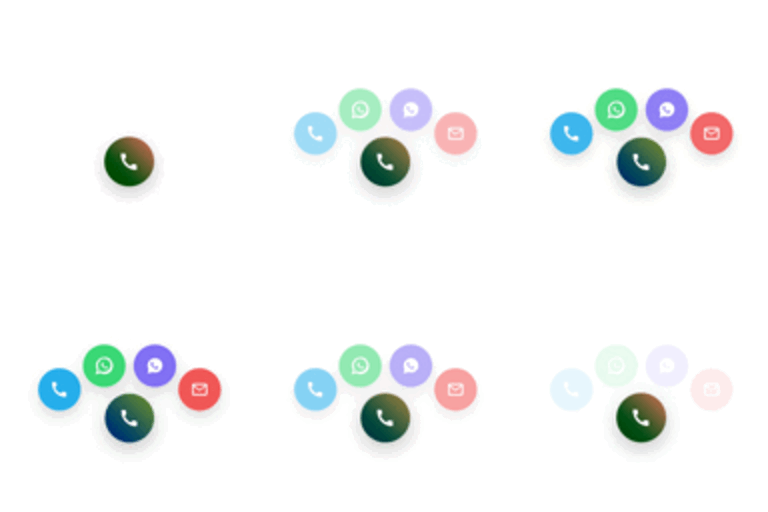
– Floating button with animated bubbles
– Phone, Email, and chat app integration (e.g. WhatsApp, Viber)
– Gradient, Minimal, or Glass button styles
– Smooth pulse and color animations
– Live admin preview (identical to front-end)
– Responsive design for all devices
– Lightweight and fast loading
Perfect for
Freelancers, small businesses, and agencies who want an elegant contact shortcut on their website.
Credits
Developed by Web Solution Network
انسٹالیشن
- Upload the plugin files to
/wp-content/plugins/web-solution-smart-contact-button/,
or install it directly from the WordPress Plugins screen. - Activate the plugin through the Plugins menu in WordPress.
- Go to Settings Web Solution Smart Contact Button.
- Enable and configure your contact channels.
- Save changes — the floating button will appear on your site.
جُست ءُ پُرس
-
Does it slow down my website?
-
No — it’s lightweight and optimized for performance.
-
Can I customize the colors and animations?
-
Yes, you can set your own primary and secondary colors, and choose between multiple animation effects.
-
Is it mobile-friendly?
-
Absolutely. It works perfectly on both mobile and desktop devices.
-
Can I disable some channels?
-
Yes, you can enable or disable Phone, Email, or chat options individually.
جائزہ
اے پلگ ان ئے ہچ جائزہ نیستیں
کمک کنوک & دیمروئی کنوک
“Web Solution Smart Contact Button” اوپن سورس سافٹ ویئر اِنت۔ اے پلگ ان ءِ تہا رند ءِ مردماں وتی کرد پیلو کتگ۔
کمک کار
“Web Solution Smart Contact Button” ءَ وتی زبان ءَ رجانک کن اِت۔
دیمروئی ءِ تہا دلچسپی داریت؟
کڈ ءَ براؤز کن اِت، SVN ءِ ذخیرہ ءَ بچار اِت، یا دیمروئی ءِ لاگ ءَ RSS ءِ وسیلہ ءَ سبسکرائب بہ کن اِت۔
چینج لاگ
1.0.0
- Initial release under the new name “Web Solution Smart Contact Button”.