

سرجمیں
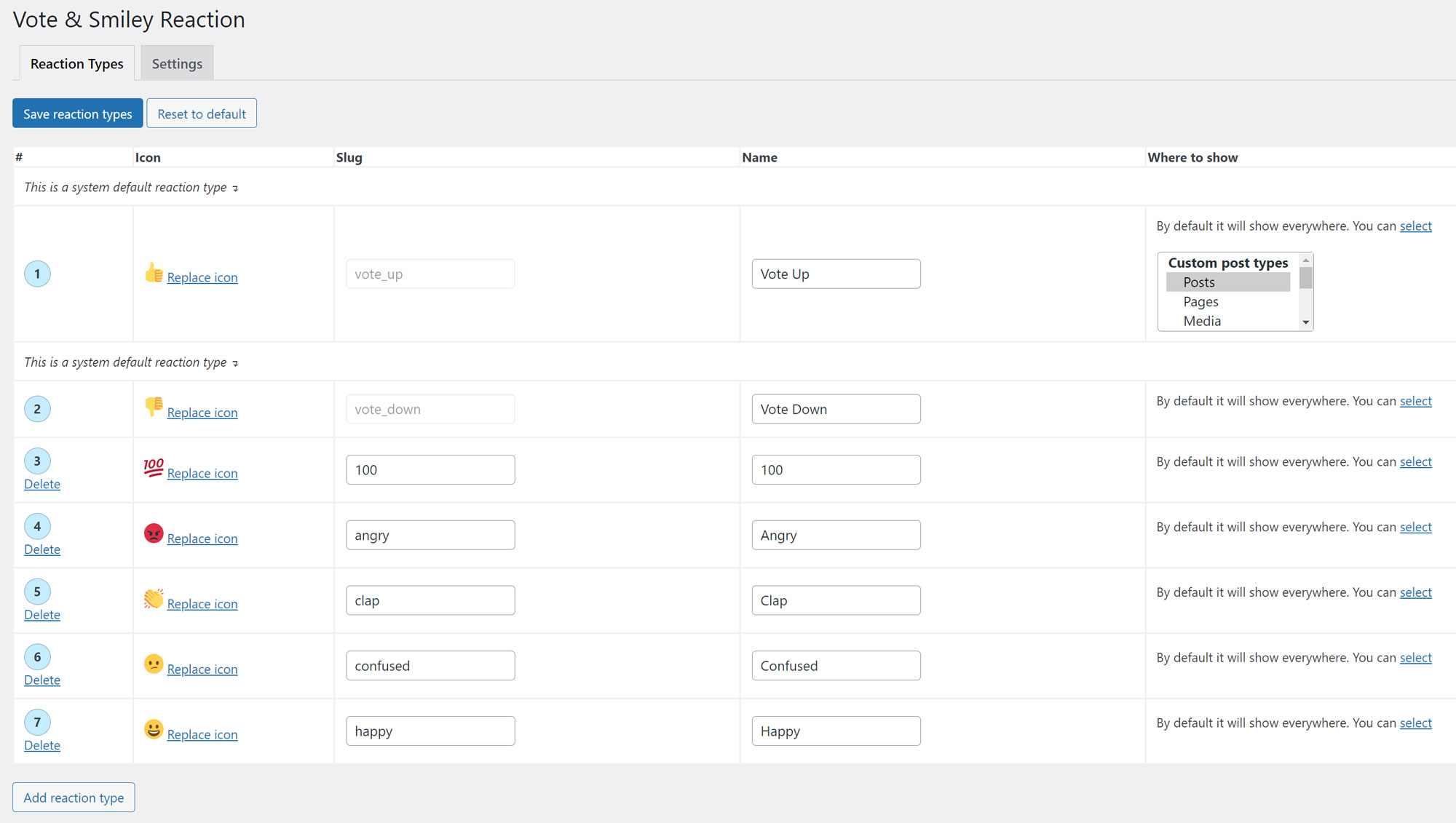
Let your visitors react to content of your site. Customizable icons and set where to show.
اسکرین شاٹ


انسٹالیشن
This section describes how to install the plugin and get it working.
e.g.
- Upload
plugin-name.phpto the/wp-content/plugins/directory - Activate the plugin through the ‘Plugins’ menu in WordPress
- Place
<?php do_action('plugin_name_hook'); ?>in your templates
جُست ءُ پُرس
-
Support
-
For any question and query please visit this link: Discussion
جائزہ

مارچ 31, 2023
I even solved the intranet option for employees who click their name if they read the post, so thank you very much!I would just like to be able to vote without logging in and to be able to display only text instead of an image.
Thank you very much for your work!

مئی 26, 2021
Posting first review of mine 😀
کمک کنوک & دیمروئی کنوک
“Vote & Smiley Reaction” اوپن سورس سافٹ ویئر اِنت۔ اے پلگ ان ءِ تہا رند ءِ مردماں وتی کرد پیلو کتگ۔
کمک کار

“Vote & Smiley Reaction” ءِ رجانک ءِ رد ءَ 1 ءِ دمگاں رجانک کنگ بوتگ۔ چہ رجانکاراں منت واراں کہ آہاں وتی کرد پیلو کتگ۔
“Vote & Smiley Reaction” ءَ وتی زبان ءَ رجانک کن اِت۔
دیمروئی ءِ تہا دلچسپی داریت؟
کڈ ءَ براؤز کن اِت، SVN ءِ ذخیرہ ءَ بچار اِت، یا دیمروئی ءِ لاگ ءَ RSS ءِ وسیلہ ءَ سبسکرائب بہ کن اِت۔
چینج لاگ
1.0.0
- Initial release.